


(If you know me, you were probably expecting an article on the USTCP journey. That will be coming in due course.)
Last week, I was getting a facial when I heard how someone had lost access to everything.
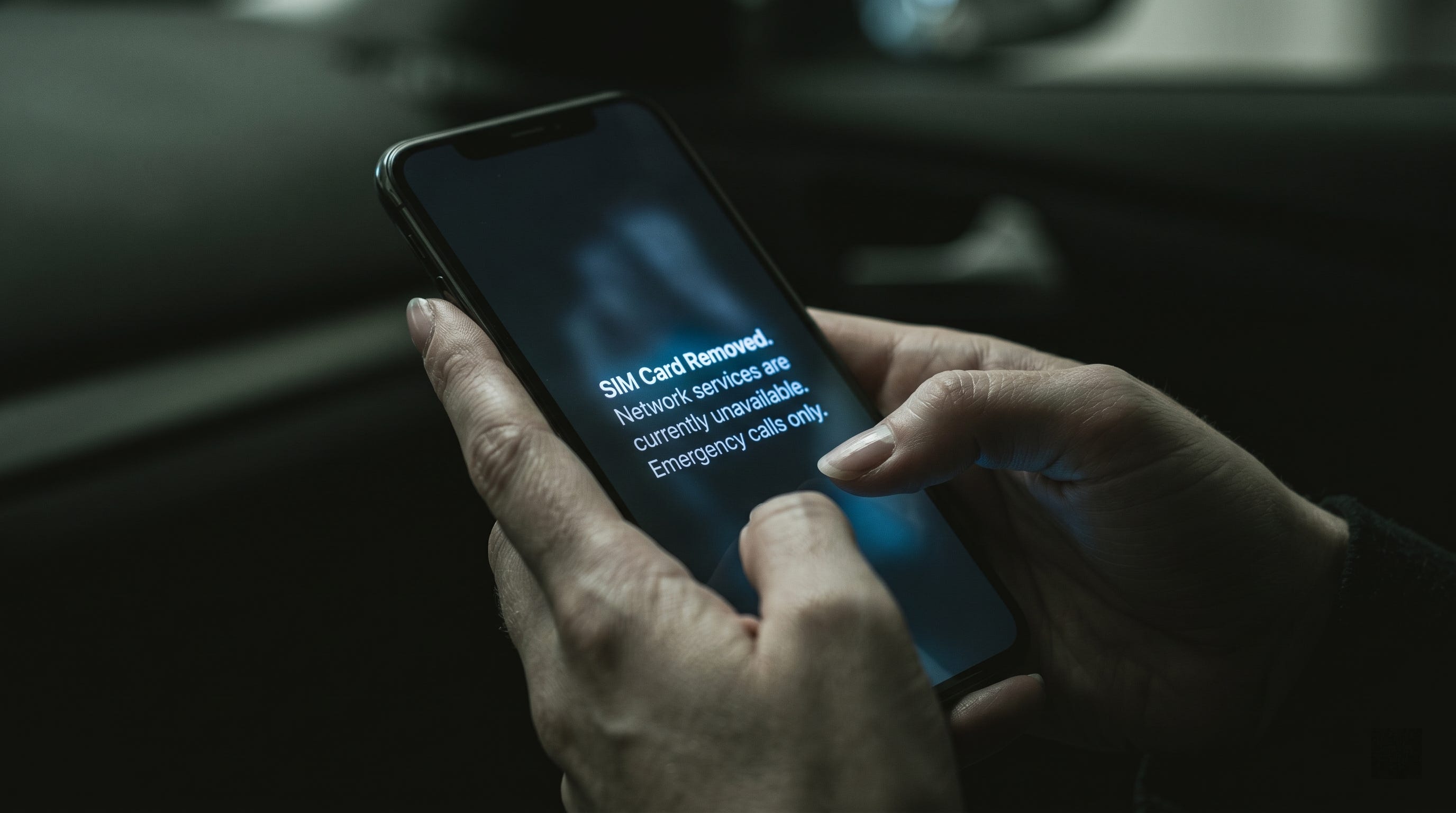
My esthetician was telling a story while he worked. He had lost his phone number. Not lost it in the casual sense. Lost it in the sense that someone else now had it. He woke up to dead service one morning, and by the time he figured out what was happening, the attacker had used the number to reset his banking credentials, drain several thousand dollars, and lock him out of every account he owned.
I lay there with my eyes closed and thought about how many people I know would not survive that week.
The attack has a name. It is called port-out fraud, and it is a close cousin of SIM swapping. SIM stands for Subscriber Identity Module, the chip or digital profile that links your phone number to your carrier. The two attacks get used interchangeably, but they are not the same thing. A SIM swap moves your number to a new SIM inside your current carrier. A port-out moves your number to an entirely different carrier. Same outcome either way. The attacker now receives your text messages and phone calls. Your phone goes dead. Theirs comes alive with your life on it.
From there, the script is depressingly simple. Click “forgot password” on a bank login. Receive the verification text. Walk in. Too much consumer security in 2026 still rests on the quiet assumption that the person holding your phone number is you.
The Numbers
This is not a fringe attack.
The Federal Bureau of Investigation’s Internet Crime Complaint Center, known as the IC3, logged 971 SIM-swap complaints and $17.4 million in reported losses in 2025. That is down from the $72.6 million peak reported in 2022, but the decline should not make anyone comfortable. Victims often report the downstream fraud: bank theft, crypto theft, fraudulent credit-card charges, or identity theft. The phone-number takeover can disappear inside the larger police report.
A Princeton study tested SIM-swap authentication practices across five U.S. prepaid wireless carriers and found that all five used authentication challenges that could be subverted.
One of the largest publicly reported examples remains what was widely reported to be the FTX hack in November 2022. More than $400 million in cryptocurrency was allegedly drained after attackers used a SIM-swapping scheme to take control of a target’s phone number. In March 2025, a law firm announced a $33 million arbitration award against T-Mobile over a customer whose cryptocurrency was stolen after a SIM-swap attack that the claim alleged the carrier should have stopped.
You do not have to be a crypto whale to be a target. You just have to have a bank account.
What the Carriers Will Not Tell You
FCC rules adopted in 2023 now require wireless providers to use stronger authentication for SIM-change and port-out requests, notify customers when those requests are made, and take additional steps to protect customers from SIM-swap and port-out fraud. In practice, these protections are often opt-in. The burden is still on you to go find the toggle.
Here is the checklist. Do this today.
1. Turn on port-out and SIM locks at your carrier. (The location of these settings can change.)
• Verizon: Sign in to the My Verizon app. Open Account, then Security settings. Enable both Number Lock and SIM Protection. Number Lock helps block port-outs. SIM Protection helps block SIM and device changes. Do both.
• AT&T: Open the AT&T app. Tap the person icon, scroll to Wireless Account Lock, and swipe to lock. AT&T also describes Wireless Account Lock as a control that disables certain account transactions and account changes.
• T-Mobile: Enable Account Takeover Protection or Port Out Protection for each line, and turn on SIM Protection where available. T-Mobile describes Account Takeover Protection as free protection against unauthorized ports, and its fraud guidance describes SIM Protection as a feature that prevents bad actors from moving your number to a new SIM card or eSIM.
2. Get every account you can off SMS-based two-factor authentication.
SMS stands for Short Message Service, the original text messaging protocol. Two-factor authentication, also called multi-factor authentication or MFA, is the second step a system asks for after your password. SMS as a second factor is the entire reason this attack pays. Move everything that matters to an authenticator app (Duo is my preference), a hardware key, or biometric passkeys. Banks, email, brokerage, social media, tax software, anywhere money lives or identity is verified.
The National Institute of Standards and Technology, known as NIST, does not ban SMS outright, but it treats phone-network-based authentication as restricted. NIST specifically tells verifiers to consider risk indicators such as device swaps, SIM changes, and number porting before sending an authentication code.
3. Set a real account PIN with your carrier.
A PIN, or Personal Identification Number, is the short numeric code a carrier representative will ask for before making changes to your account. Not your birthday. Not the last four of your Social Security number. Not the same PIN you use for your debit card. A unique, random number that exists only to authenticate carrier requests.
4. Lock the SIM itself.
On iPhone and Android, you can require a PIN to use the SIM after a reboot. Turn it on. It is one more layer between an attacker and your number.
Each carrier ships a SIM with a default PIN. Common default include: Verizon and AT&T 1111, and T-Mobile using 1234. Confirm your own default with your carrier before you enter anything, because three wrong attempts lock the SIM and force you to call for a PUK (PIN Unblocking Key) to recover it. Exhausting the PUK attempts can disable the SIM for good. Once you are in, change the default to a number only you know. Left at 1111 or 1234, the lock protects nothing.
Keep in mind that it will require a PIN before connecting to the cellular network. If you lose your phone, that can be problematic because a service such as Find My on iPhones would not update your location until the device reconnects.
5. Stop using your phone number as a recovery identifier.
Wherever a service lets you use app-based recovery instead of a phone number, switch. Treat the phone number as a partially public identifier, not a credential. Because that is what it has become.
But What About...
Two reasonable questions land hard once the toggles are flipped, and they deserve straight answers.
“Could not someone just log into my carrier account and turn the lock off?”
In theory, yes. In practice, the lock raises the bar substantially.
To turn off Number Lock or SIM Protection, an attacker now needs your actual carrier portal credentials, not just enough scraped personal information to social engineer a customer service representative. That shifts the attack from “make a convincing phone call” to “break into a specific online account.” Changes to SIM or port settings may also generate notifications, which give you a chance to catch the attack before the next domino falls. The FCC order requires customer notification for SIM-change and port-out requests.
The catch is that your carrier login is now a high-value credential in its own right. Treat it that way.
• Use a long, unique password from a password manager. Not the one you also use for streaming.
• Turn on MFA for the carrier account itself, and use an authenticator app or a passkey. Do not use SMS to the line you are trying to protect. That creates a circular dependency the attacker can exploit.
• Watch every carrier security email and text. Treat them like fire alarms, not spam.
Is the lock perfect? No. It forces an attacker to clear two hurdles instead of zero. Many opportunistic attackers will move on to an easier target.
“Does any of this work if I do not have a physical SIM card? I am on eSIM.”
Yes. The principle is identical.
An eSIM, or embedded SIM, is just a digital version of the same credential. The attack does not care whether the SIM is a piece of plastic or a software profile on your device. The attack targets the carrier’s verification process, which decides whose device gets to receive your number. Carriers can and do issue new eSIM profiles to a different device just as readily as they used to ship physical SIM cards in the mail. eSIM provisioning fraud is a documented and growing attack pattern.
Verizon’s SIM Protection materials state that the control can block transactions requiring a new physical SIM or eSIM. T-Mobile also describes SIM Protection as applying before changing to a new SIM card or moving an eSIM to a new device. Flip the toggle regardless of which kind of SIM you carry.
In some ways, eSIM-only phones may raise the stakes slightly. There is no longer a physical card to ship to a fraudulent address, which means one small friction in the old attack chain is gone. The toggle is the new friction.
The Practitioner Footnote
For tax professionals reading this, this is very important.
If your Written Information Security Plan, or WISP, relies on SMS-based MFA to satisfy your Federal Trade Commission Safeguards Rule obligations under 16 C.F.R. Part 314, you have a single point of failure that a port-out call can dismantle. The Gramm-Leach-Bliley Act framework the Safeguards Rule sits on top of does not name SMS. It does require reasonable safeguards.
In my view, “reasonable” in 2026 no longer means relying on a six-digit code texted to a number that can be hijacked at a strip-mall phone store. The FTC Safeguards Rule, built on the Gramm-Leach-Bliley Act definition of a financial institution at 16 C.F.R. 314.2, classifies tax and accounting professionals as covered financial institutions and requires them to develop, implement, and maintain an information security program. The IRS guidance for practitioners restates that obligation in plainer terms.
Your practice management software, your e-filing portal, your bank, your email, your client portal. If any of those still default to SMS for the second factor, you are one phone call away from a breach notification you will not want to write.
In Closing
My esthetician finished my facial. I paid, walked out into the parking lot, and made sure Number Lock and SIM Protection were turned on in the Verizon app before I drove away.
Go turn yours on. Then send this to someone who would not survive losing their phone number for a week. Sometimes it is the simple quick things that have a huge impact. As always, if you have any questions, let me know.