


Two critical vulnerabilities in PHP could put business websites at risk. Here’s what they mean, why they matter, and what you should do today.
(I read about this earlier and then went back to tax work; thankfully, Matt Metras brought it up, and it reminded me, "Oh yeah.. I want to write about this!”
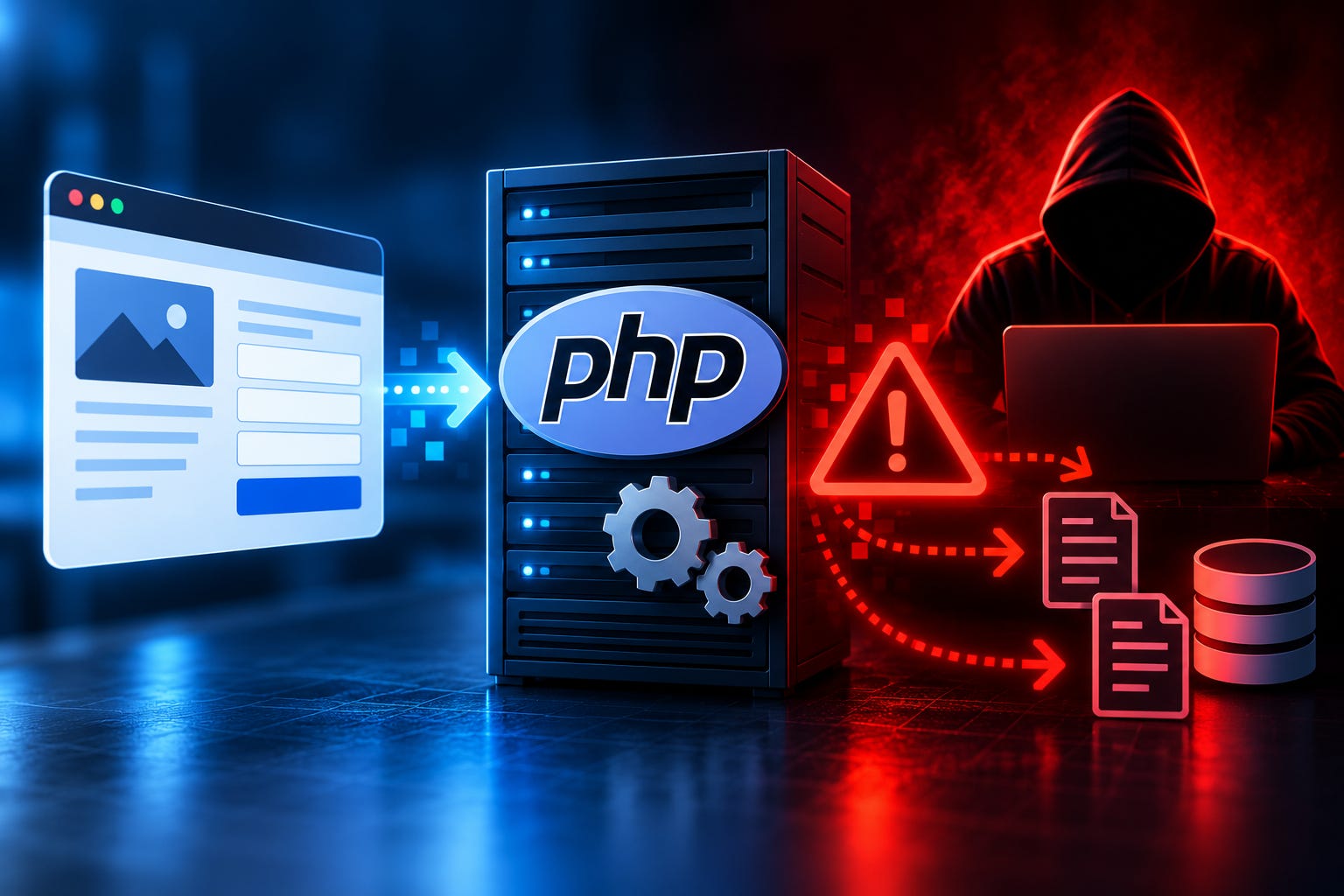
If you have a website, a client portal, an online intake form, or a WordPress blog, today’s security news may involve you, even if you’ve never written a line of code in your life.
On October 21, the team behind a piece of software called PHP released emergency fixes for two critical security vulnerabilities. Security researchers have nicknamed the problem “PHP2Shell.” Researchers at Wiz have described it as one of the most significant software security discoveries in years.
The vulnerabilities could allow an attacker to take control of an affected web server or access sensitive information, potentially without needing a username or password.
That sounds alarming. And it is serious. But for most business owners, the first step is surprisingly simple.
Let’s dig into what happened, why it matters, and what you should do about it today.
First, What Is PHP?
You may never have heard of PHP, and that’s perfectly normal.
Think of a website as a restaurant. The pretty part you see (the menu, the décor, the photos) is the dining room. But when you place an order, something in the back has to take it, prepare it, and send it out. On a website, that work is often handled by a programming language running on the server.
PHP is one of the most widely used languages for that job.
According to W3Techs, PHP powers roughly seven out of ten websites whose server-side programming language can be identified.
WordPress runs on it. Many online stores, contact forms, booking systems, and client portals rely on it. When someone fills out a form on a business website and clicks “Submit,” there’s a good chance PHP is involved somewhere behind the scenes.
If you don’t know what your website runs on, this is a good time to ask.
So What Went Wrong?
Here’s the simplest way I can explain it.
Whenever someone visits a website, the software running behind the scenes uses the server’s memory to process the request. It creates information, works with it, and eventually cleans up after itself.
Normally, that’s all very orderly.
But researchers discovered two serious problems with how PHP handles memory under certain circumstances.
In one case, something can go wrong before PHP has finished preparing the information it needs. When PHP tries to clean up, it may end up working with information that was never properly initialized.
In the other case, PHP can retain references to memory that has already been released. In effect, the software can end up trusting information that no longer belongs where it thinks it does.
Think of a hotel where housekeeping accidentally leaves one guest’s paperwork behind for the next guest. Except the problem here is worse: under the right conditions, someone can deliberately manipulate what gets left behind and how the hotel responds to it.
In computer security, that can have serious consequences.
Researchers demonstrated that these flaws can potentially be exploited to make a vulnerable server execute commands chosen by an attacker. In some circumstances, attackers may also be able to access information stored in the server’s memory, including sensitive data such as passwords, authentication tokens, or other private information.
On a vulnerable setup, an attacker may be able to exploit these problems without a password, an account, or any action from the website owner.
Not every website running PHP is necessarily exploitable. The actual risk depends on the software version, server configuration, and other technical conditions.
But the potential consequences are serious enough that anyone responsible for a PHP-based website should take notice.
Why This One Is Different
Software gets security updates all the time. Keeping those updates installed should be part of ordinary website maintenance.
These two vulnerabilities deserve particular attention for several reasons.
The problem is in PHP itself. This isn’t a vulnerability limited to one WordPress plugin or one website application. It’s in the underlying software that many of those applications depend on.
The vulnerabilities go back years. Researchers report that affected PHP releases date back more than a decade. A website doesn’t have to be running the newest software to be affected.
Information emerged before the coordinated public release. Details about the vulnerabilities circulated early, and the official release was moved forward.
Attackers are already trying. Cloudflare reports observing attempts to exploit the vulnerabilities. That doesn’t mean every attempt succeeded, but it tells us the threat is more than theoretical.
Both vulnerabilities carry a severity score of 9.2 out of 10. That’s a critical rating.
The two vulnerabilities are officially identified as CVE-2026-109618 and CVE-2026-109619.
Those long numbers are simply identifiers used by security professionals and software vendors to track specific security problems.
You don’t need to remember them. You just need to know what to ask your website provider.
What You Should Do Today
Here’s the good news: you probably don’t need to fix the software yourself.
Your job is to make sure someone does.
1. Email your web host or website person today.
You don’t need to understand PHP or how a server works. Send something like this:
I’m checking on the PHP2Shell vulnerabilities disclosed October 21 (CVE-2026-109618 and CVE-2026-109619).
Does my website use an affected PHP version? If so, have both security fixes been installed and confirmed active on the server?
Please let me know which PHP version or vendor security update is running, when the fixes were completed, and whether anything else needs to be done.
If the updates are still pending, please let me know when they are expected to be completed.
The PHP project released fixes in the following versions:
PHP 8.5.12
PHP 8.4.27
PHP 8.3.36
PHP 8.2.35
If your website is running one of those versions, or a later patched release, that’s what you want to hear.
Some hosting providers may apply security fixes to older versions without changing the main version number. These are called backported fixes, and they’re legitimate. In those cases, ask for confirmation that the vendor’s security update specifically addresses both vulnerabilities.
Don’t assume that seeing a newer version number somewhere in your website’s administration screen means the issue is resolved. You want confirmation that the patched PHP software is actually running on the server.
2. If you use WordPress, understand an important distinction.
Updating WordPress, your themes, or your plugins does not install the PHP security fix.
PHP is separate software, generally maintained by your hosting provider or server administrator.
If you manage your own WordPress website, you can check its PHP version by logging into WordPress and going to:
Tools → Site Health → Info → Server
Look for the PHP version listed there.
That tells you what PHP version your site reports, but your hosting provider still needs to confirm the relevant security fixes are in place.
3. If you’re running an older version, ask about upgrading.
If your website uses PHP 8.1 or older, it’s running a version that no longer receives regular security updates directly from the PHP project.
Some vendors continue providing security fixes for older releases, but that isn’t a substitute for having a plan to move to supported software.
Use this incident as an opportunity to ask whether your website should be upgraded.
4. Remember your forgotten websites.
This is the one I especially want business owners to think about.
Remember that landing page somebody created in 2019? The separate website for your side business? The old contact form that still works even though nobody remembers who installed it?
Those websites still exist. And if they’re publicly accessible, they can still be targeted.
You can’t protect a system you’ve forgotten about.
Take a few minutes to think about every website or online application your business owns or manages.
5. Don’t forget your client portal or intake software.
Your primary website and your client portal may be managed by entirely different companies.
If you use a third-party client portal, document-upload system, or online intake platform, ask that provider whether its systems are affected and what protections are in place.
Not every portal uses PHP, and not every PHP-based system is vulnerable. The point is to confirm rather than guess.
6. Get the answer in writing, and keep it.
Don’t just send the email and consider the problem handled.
Follow up until you’ve received a clear answer about whether your systems were affected and, if necessary, whether the fixes have been applied.
Save that response.
There’s a reason I keep coming back to documentation.
A Note for My Fellow Tax Professionals
For those of us in the tax world, this isn’t just an IT issue. It’s potentially a compliance issue, too.
The FTC Safeguards Rule requires covered tax preparation firms to maintain an information security program designed to protect customer information. That includes managing security risks and appropriately overseeing service providers that handle customer information.
Your Written Information Security Plan, or WISP, shouldn’t be a document that gets created once and forgotten.
It needs to reflect what your firm actually does to protect information.
If your website, client portal, or online intake system handles client information, the security of those systems deserves attention. The service providers who maintain them may also be part of your firm’s oversight responsibilities under the Safeguards Rule.
This incident gives you a straightforward opportunity to demonstrate that you’re paying attention.
Send the email. Follow up. Document the response.
Keep a simple record showing:
Which websites or services you reviewed.
Which providers you contacted.
Whether the systems were affected.
When the security fixes were confirmed, if applicable.
Any outstanding work requiring follow-up.
That documentation doesn’t automatically establish compliance with the Safeguards Rule. There’s considerably more to a proper information security program.
But it does provide a record of how your firm identified and responded to a specific security risk.
And that matters.
The Bigger Lesson
I spent more than twenty years in IT and cybersecurity before I ever prepared a tax return.
One lesson from those years has stayed with me: some of the most preventable security incidents happen because a vulnerability is known, a fix is available, and nobody gets around to making sure it’s installed.
It’s easy to think cybersecurity is about sophisticated hackers, complicated technology, and expensive software.
Sometimes it is.
But a lot of good security comes down to something much less glamorous: knowing what systems you have, knowing who’s responsible for them, and making sure someone follows through.
The researchers who discovered PHP2Shell put considerable effort into finding and understanding these vulnerabilities. Software maintainers and hosting companies have been working to get fixes into place.
You don’t need to understand every technical detail of that work.
You do need to know whether the systems your business relies on are protected.
The first step takes one email.
Send it today. Follow up until you have confirmation. Keep the reply with your security records.
Then get back to running your business, knowing you’ve taken an important step toward protecting it.
Sources and Further Reading
Published October 21, 2026. Security developments and hosting-provider patch status may change as additional updates become available.